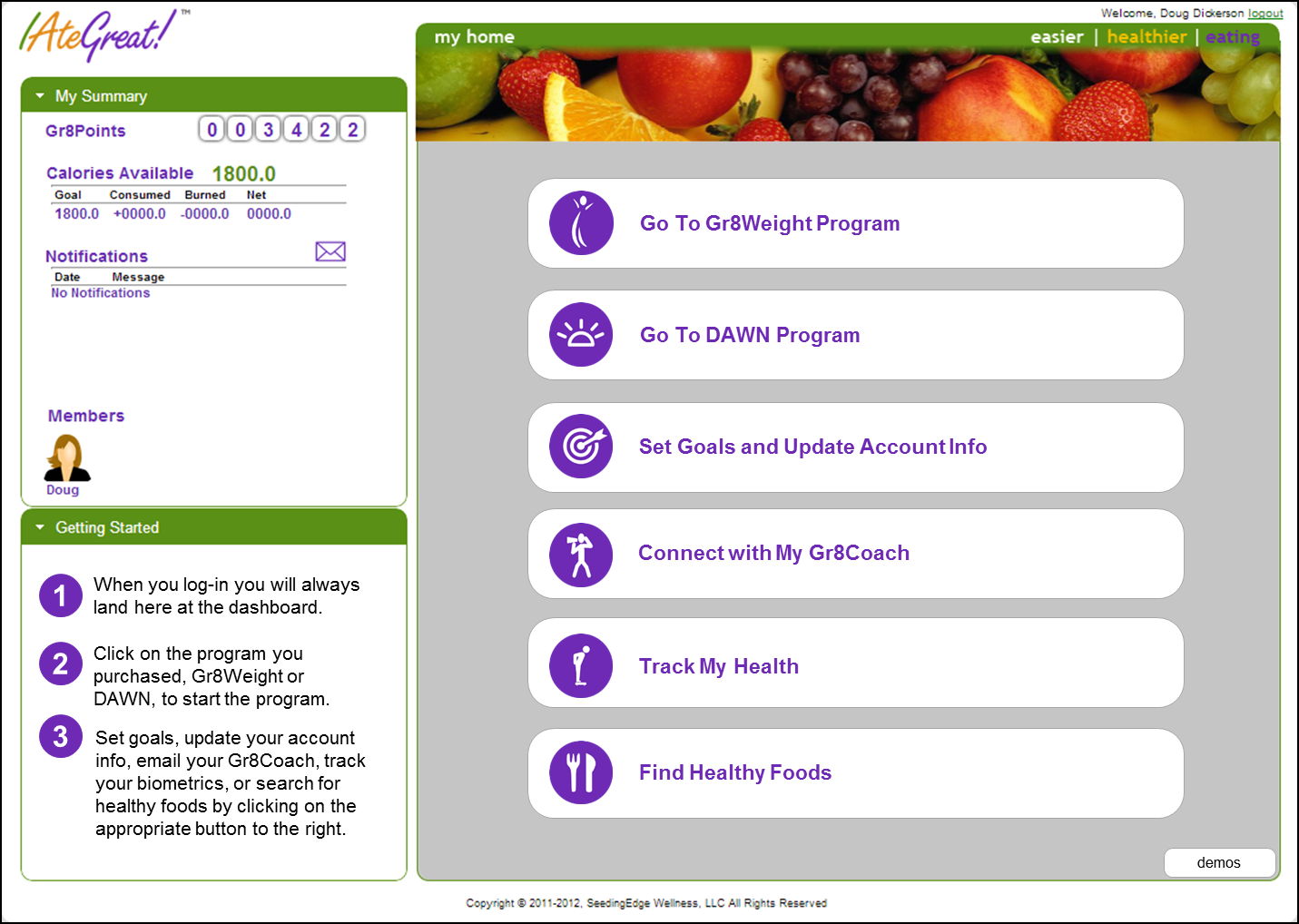
1. After you log-in to www.i8gr8.com, click on From the dashboard "Set Goals and Update Account Info".
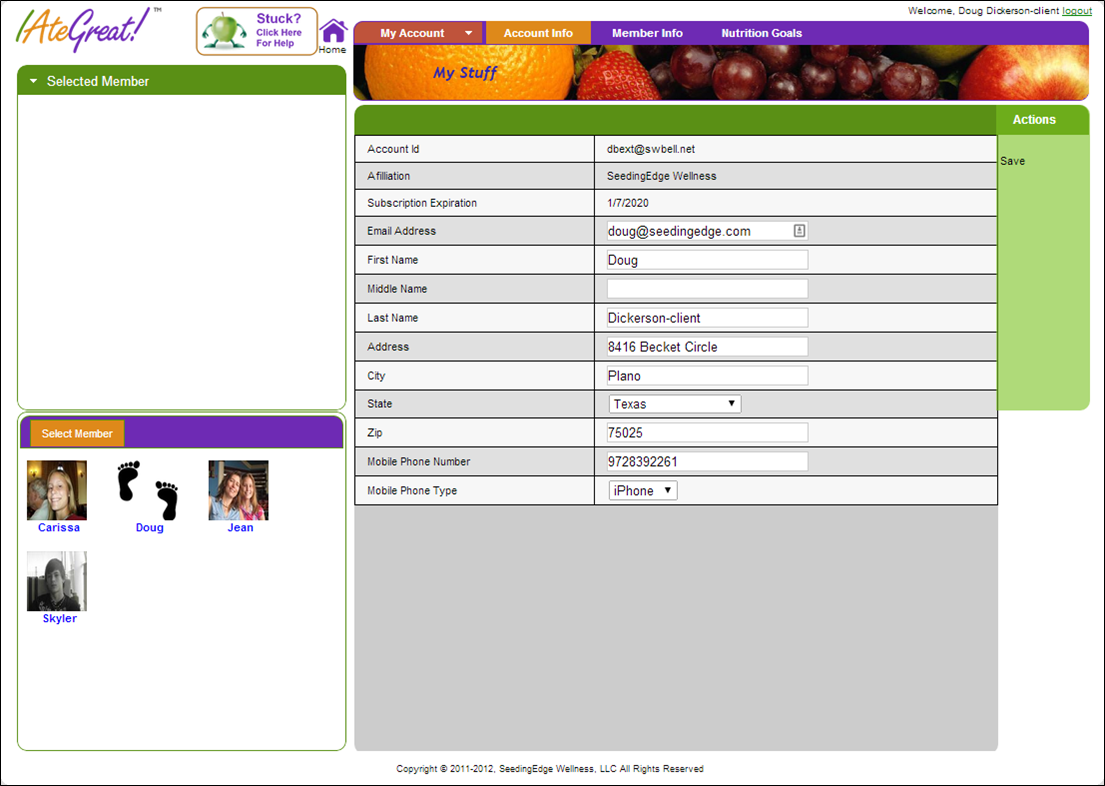
2. You will then see tabs at the top of the page to select the items you want to view or edit.

Modified on: Wed, 5 Feb, 2014 at 9:32 AM
1. After you log-in to www.i8gr8.com, click on From the dashboard "Set Goals and Update Account Info".
2. You will then see tabs at the top of the page to select the items you want to view or edit.
Did you find it helpful? Yes No
Send feedback